Just Volleyball Locker Customization
Face, Body, Voice, Hair, Accessories, Outfits, and Presets explained.
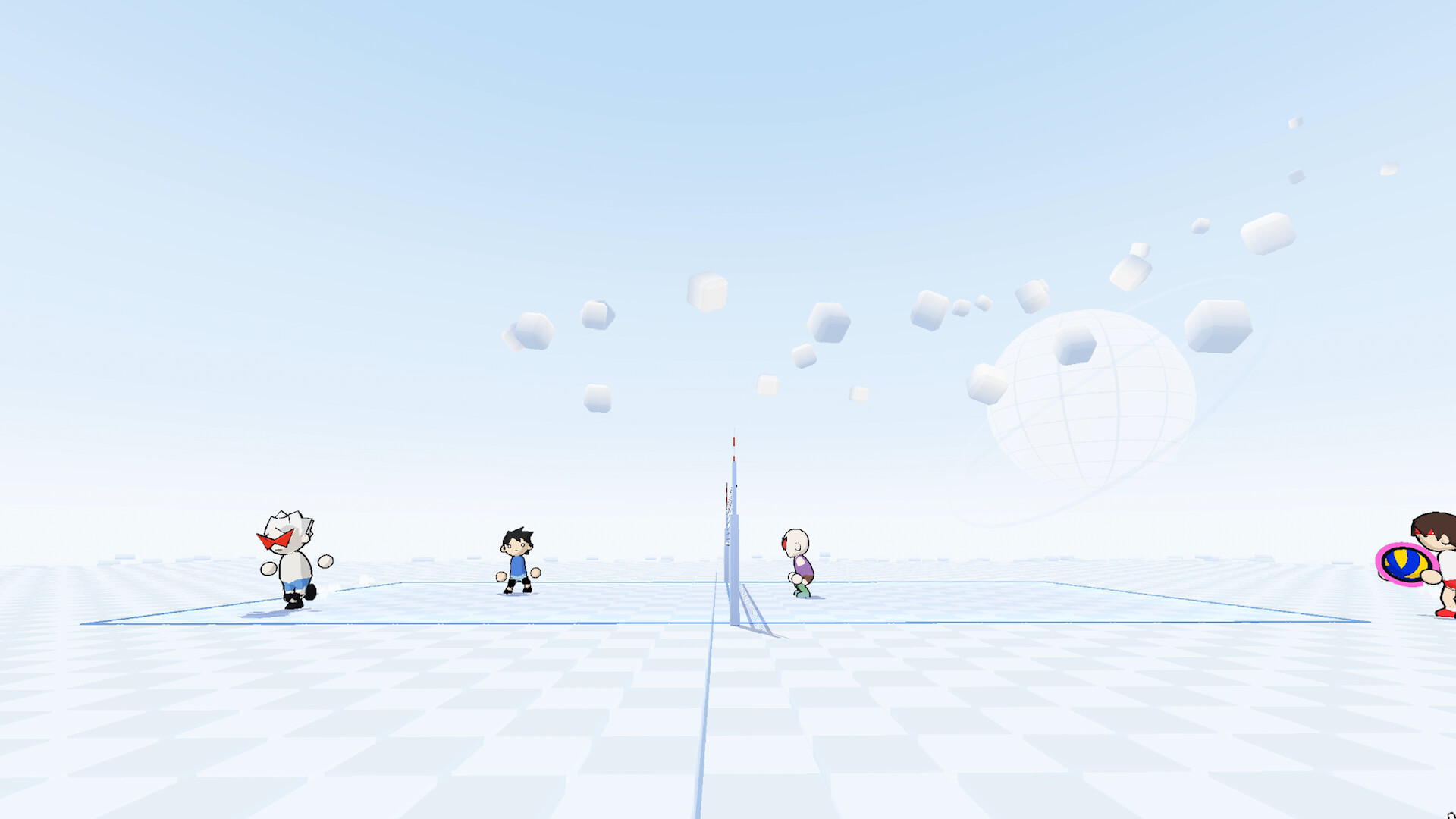
The Locker is Just Volleyball’s character studio. There is no gacha roster—every teammate and opponent is a player-built avatar. This guide walks each major section (Face, Body, Voice, Hair, Accessories, Outfits, Presets), explains Photo Studio, and shows how customization connects to community JV2: codes. For paste workflows open How to Import Codes. For Haikyuu slider recipes see Haikyuu builds. Return to the Players Hub anytime for the full index.
Face
Face controls skin tone swatches, eye shape and color, lash tint, brow style, and nose options (including flips used on some anime recreations). Small hex-color tweaks separate a soft Kenma stare from a sharper Oikawa look. Work under consistent menu lighting, then verify in Photo Studio—match HUDs can hide subtle brow angles that matter in screenshots.
Save checkpoints when chasing a reference image. Face data rides along inside preset exports, so a finished face is worth locking before you chase hair gradients for an hour.
Body
Body covers height, build, head shape (default, sharp, square, round), and preferred hand. Height and build change silhouette and camera framing; community testing treats them as cosmetic rather than hidden stat buffs. Still, short-and-quick or tall-and-broad silhouettes help teammates recognize you in chaotic 6v6 rallies.
Preferred hand should match how you actually play approaches and dump tips. Head shape is a quiet identity lever—sharp heads read differently under spiky hair than round heads under bob cuts. Achievements exist for saving maximum and minimum height presets if you like checklist hunting.
Voice
Voice picks the callout and effort bank your avatar uses in rallies. It does not change hitbox or serve speed, but it personalizes local split-screen nights and online lobbies. Try a few options in a bot match before you commit; some packs cut through crowd noise better than others. Voice travels with presets, so imported anime codes may arrive with a pack you want to swap for something clearer.
Hair
Hair is where most anime accuracy is won or lost. Choose a base style (center-parted bobs, swept spikes, horn-like volumes, short crops), then set root color, tip color, gradient position, and softness. Two-tone recipes—dark roots with blond tips for Kenma, white-and-grey spikes for Hoshiumi, white-and-black horns for Bokuto—depend on gradient sliders more than on the mesh name alone.
If a named style is close but lacks volume, creators sometimes layer Accessories (hats, scarves, bandages) to fake bangs or sideburns. Flip options on certain styles mirror a reference facing. After any hair change, spin the model in Photo Studio; menu lighting can flatter a gradient that looks flat under arena lamps.
Accessories
Accessories add scarves, glasses, hats, face bandages, and other detachable details. They are essential for green-scarf Hinata variants, forehead bangs on Ushijima recreations, and creative volume hacks when a hair mesh falls short. Less is usually more for competitive presets—busy props can obscure jersey numbers your teammates need.
Accessories are included in JV2 exports. If an import looks “almost right,” open this tab before rebuilding the entire face. Patch notes that add new props can also break old strings; keep a manual note of which accessories a look used.
Outfits
Outfits cover jersey style, primary colors, shorts, trim, number color, socks, kneepads, and shoes. Preview home and away presentations before you save. Jersey numbers show in matches and are often the fastest way to identify teammates mid-rally—avoid duplicates inside a friend group when you can.
School-inspired palettes (Karasuno orange-black, Nekoma red, Kamomedai white-blue, Aoba Johsai white-turquoise, Fukurodani white-gold-black, Shiratorizawa white-purple, Inarizaki black-white) are community favorites. Stripes-and-bands jersey styles help some Ushijima builds. Kneepad length and side (one knee vs both) are small tells that sell a reference without touching Face at all.
Presets
Presets store complete looks and expose Import, Export, rename, overwrite, and equip flows. This is the bridge to the Codes Hub. Import expects a full JV2: string; export lets you publish your own. Surprise-me randomization and reset controls help when you want a wild starting point or a clean slate.
Aim for at least two saved presets: one readable competitive kit, one fun cosplay. Filling ten presets also ties into wardrobe achievements. After cosmetics patches, re-open Presets and re-test favorite imports—serialization changes can invalidate strings even when slider recipes still work. Details live in How to Import Codes and Anime Character Codes.
Photo Studio and sharing
Photo Studio (full release) adds size, tilt, and rotate framing separate from Body height/build. Use it for Discord showcases, Steam screenshots, and QR-friendly presentations. When you share, post the full JV2 string, a clear name, and the Steam build date. Point friends at https://discord.gg/kKT98kf2wV if they need help importing.
Practical tips
- Build Face and Hair under Photo Studio checks, not only the default Locker light.
- Keep jersey numbers unique inside your regular squad.
- Store hex colors for favorite kits in a note so patches cannot wipe your memory.
- Pair wardrobe work with real practice from Getting Started and role advice on the Tier List Hub.
- When a paste fails, fall back to Haikyuu builds instead of editing encoded characters.
Related pages
- Players Hub
- Haikyuu Builds
- Codes Hub
- How to Import Codes
- Anime Character Codes
- Getting Started
- Tier List Hub
Master the Locker once and every new community drop becomes optional. Face through Presets give you full authorship; JV2 codes are just a fast forward button when they still decode.
Frequently Asked Questions
Quick answers for the court.
Which Locker tabs should I edit first?
Start with Body height, build, and preferred hand, then Face and Hair, then Outfits and Accessories. Save into Presets when the full look feels right.
Do height and build affect spike power?
No meaningful power boost is tied to those sliders in community testing. They change silhouette and presentation only.
How do Presets connect to website codes?
Export creates a JV2 string others can Import. Lists on the Codes Hub are simply shared exports from this tab.
What is Photo Studio for?
Framing screenshots with size, tilt, and rotate controls inside the Locker. It does not replace Body height or build sliders.